

DNS Record Types Explained

How does a browser know where a website lives?
When you type google.com into your browser, something interesting happens.
Your browser doesn’t actually understand names like google.com.
Computers only understand numbers (IP addresses).
So the real question is:
How does
google.comturn into something like142.250.190.14?
That’s where DNS comes in.
What is DNS? (in the simplest terms)
DNS stands for Domain Name System.
Think of DNS as the phonebook of the internet 📖
You know a person’s name
Your phonebook knows their phone number
DNS does the same thing for websites
| Human-friendly | Computer-friendly |
| google.com | 142.250.190.14 |
Without DNS, you would have to remember IP addresses for every website you visit.
That would be painful 😅
Why do DNS records exist?
DNS is not just one mapping.
A website needs to answer multiple questions:
Who manages this domain?
Where is the website hosted?
Where should emails go?
Is this domain verified?
Each of these questions is solved using DNS records.
👉 A DNS record is simply an instruction stored in DNS that answers a specific question.
Now let’s look at each record one at a time, slowly and clearly.
What is an NS Record? (Who is responsible for the domain)
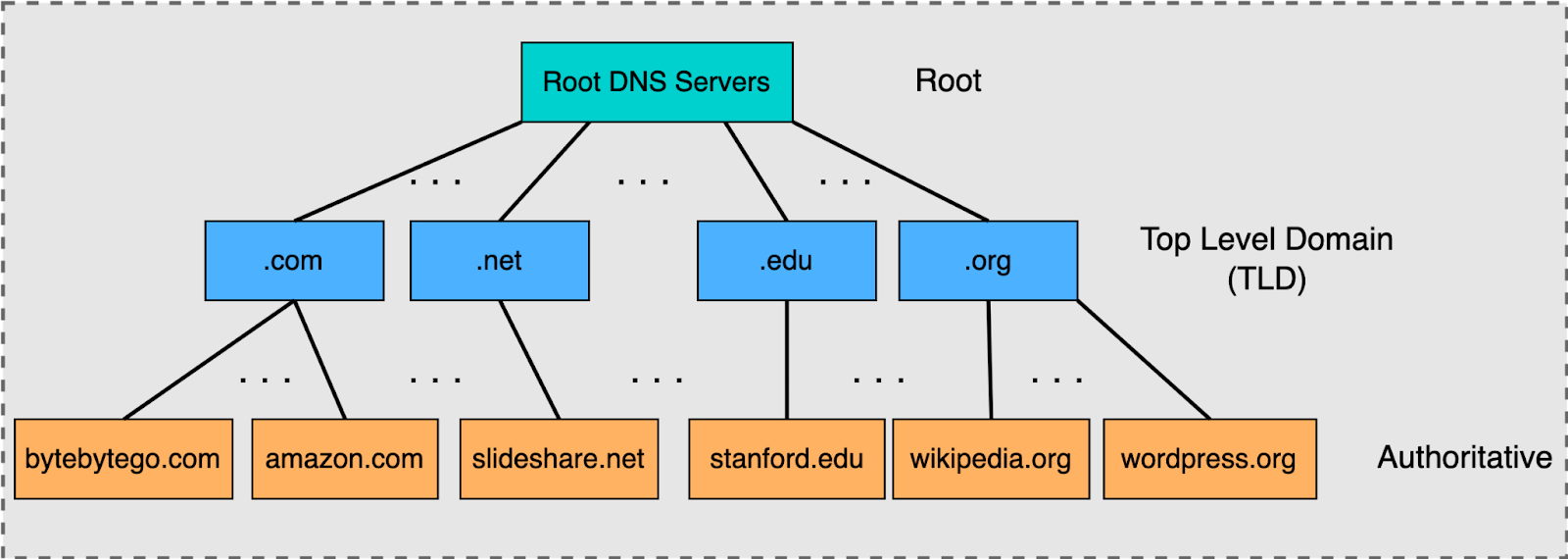
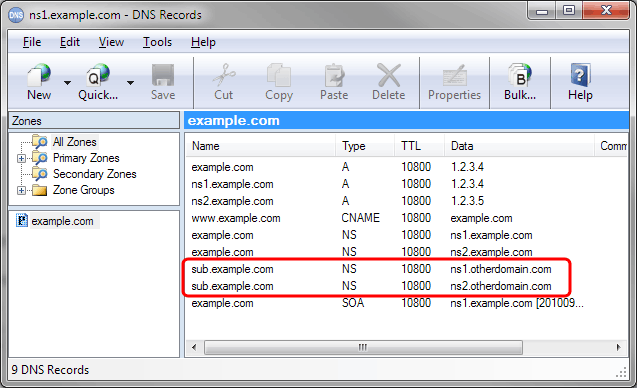
NS stands for Name Server.
An NS record answers this question:
“Who is responsible for this domain?”
Think of it like this:
The internet asks: Who should I talk to about
example.com?The NS record replies: Ask these servers.
Real-life example
Imagine an apartment building:
The city doesn’t know each flat owner
It only knows who manages the building
NS records are like the building manager.
Without NS records:
- No one knows where the DNS information for your domain lives
What is an A Record? (Domain → IPv4 address)
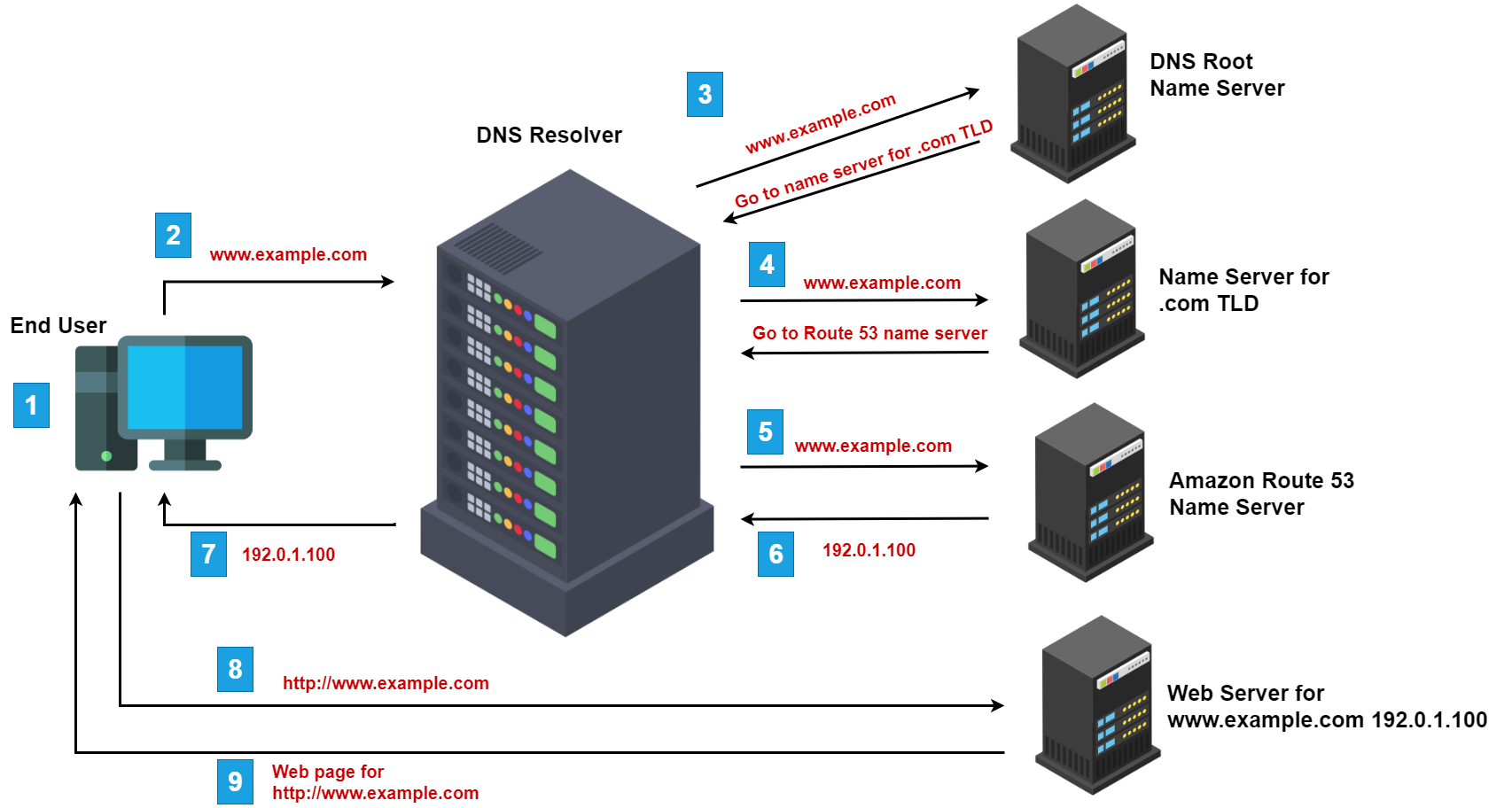
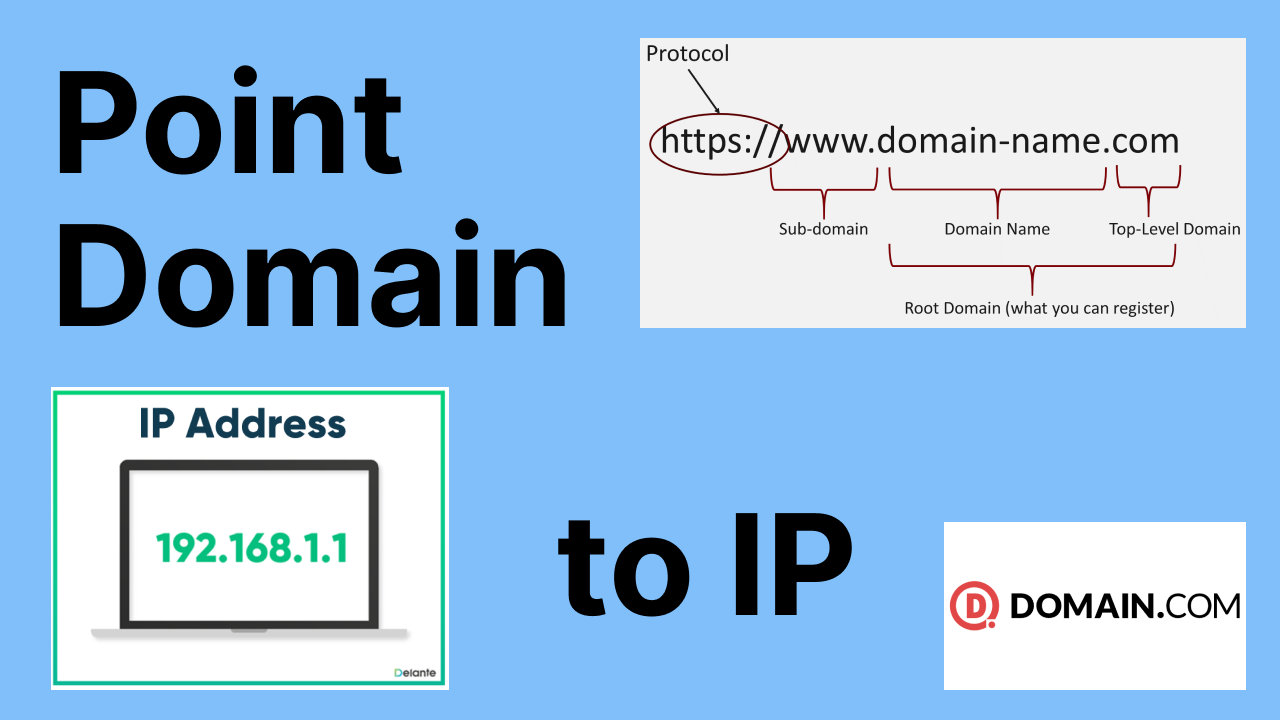
A stands for Address.
An A record answers:
“What is the IPv4 address of this domain?”
Example:
example.com → 93.184.216.34
Real-life example
Domain name = person’s name
IP address = house number
When a browser wants to load your website, this is the most important record it looks for.
What is an AAAA Record? (Domain → IPv6 address)
AAAA is the IPv6 version of an A record.
A Record → IPv4 (older format)
AAAA Record → IPv6 (newer format)
Example:
example.com → 2606:2800:220:1:248:1893:25c8:1946
You don’t need to stress about IPv6 yet.
Just remember:
Same purpose as A record, newer address format
What is a CNAME Record? (One name pointing to another name)
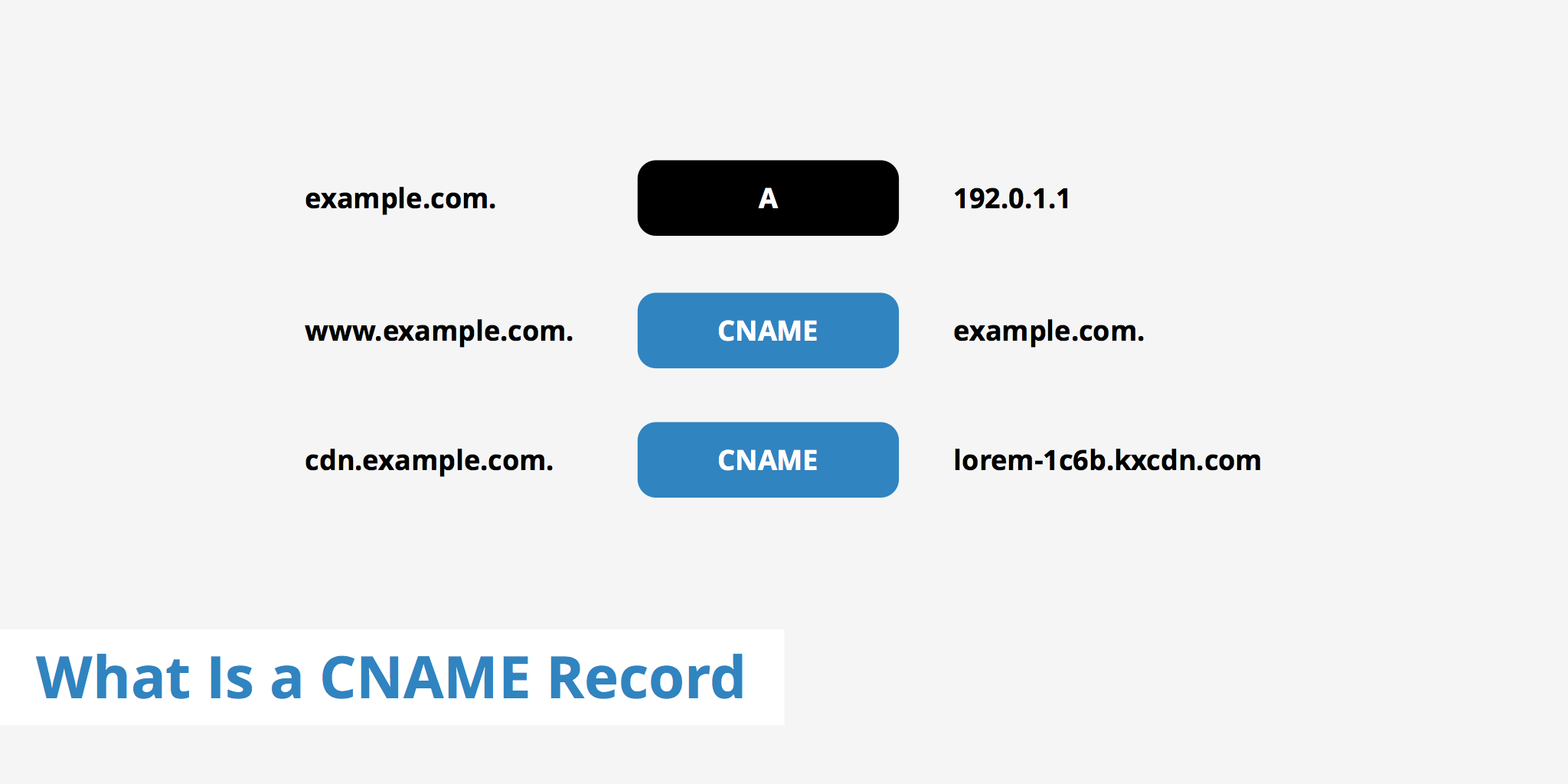

CNAME stands for Canonical Name.
It answers:
“This domain is just an alias — go look at that other name.”
Example:
www.example.com → example.com
Real-life example
“Call me on my office number”
Office number redirects to your main phone
Important beginner clarification: A vs CNAME
A record points to an IP address
CNAME points to another domain name
👉 You cannot use both on the same hostname.
What is an MX Record? (How emails find your mail server)
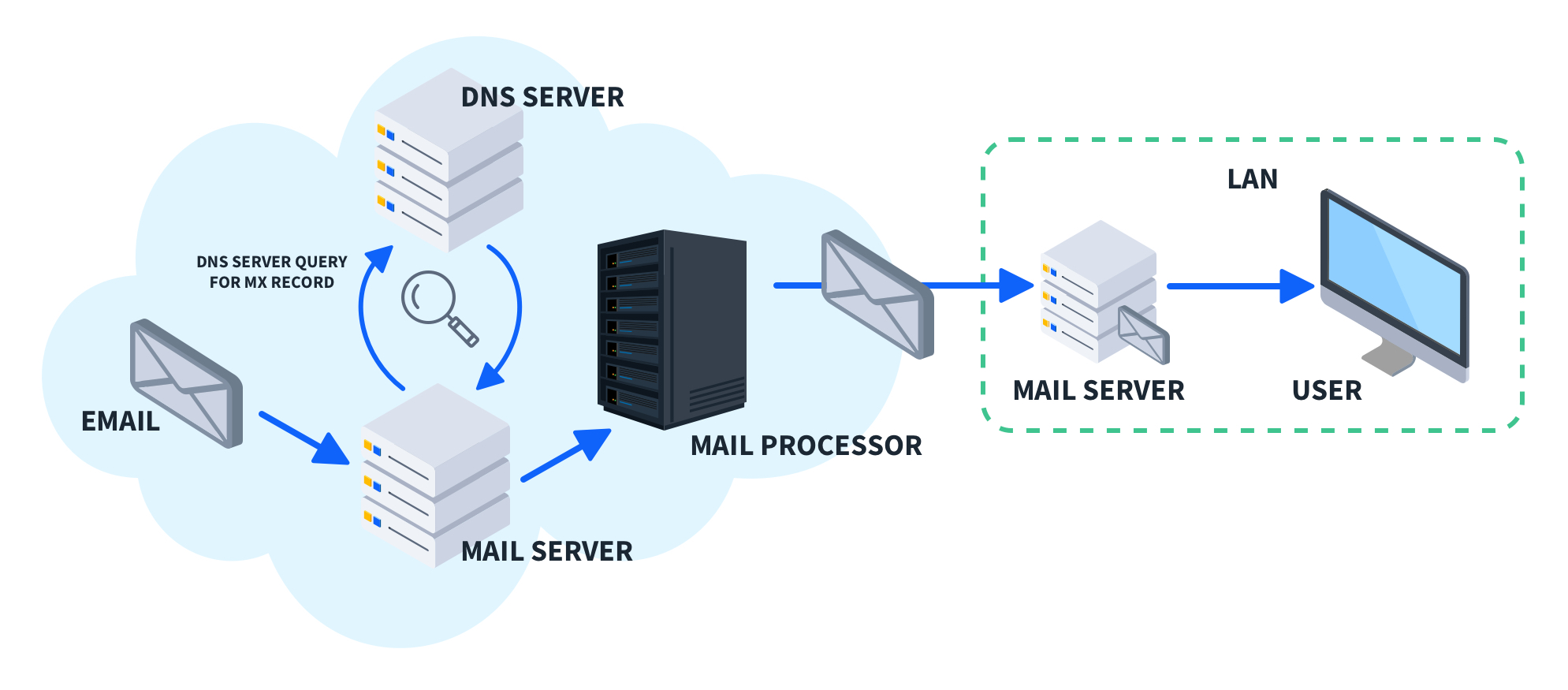
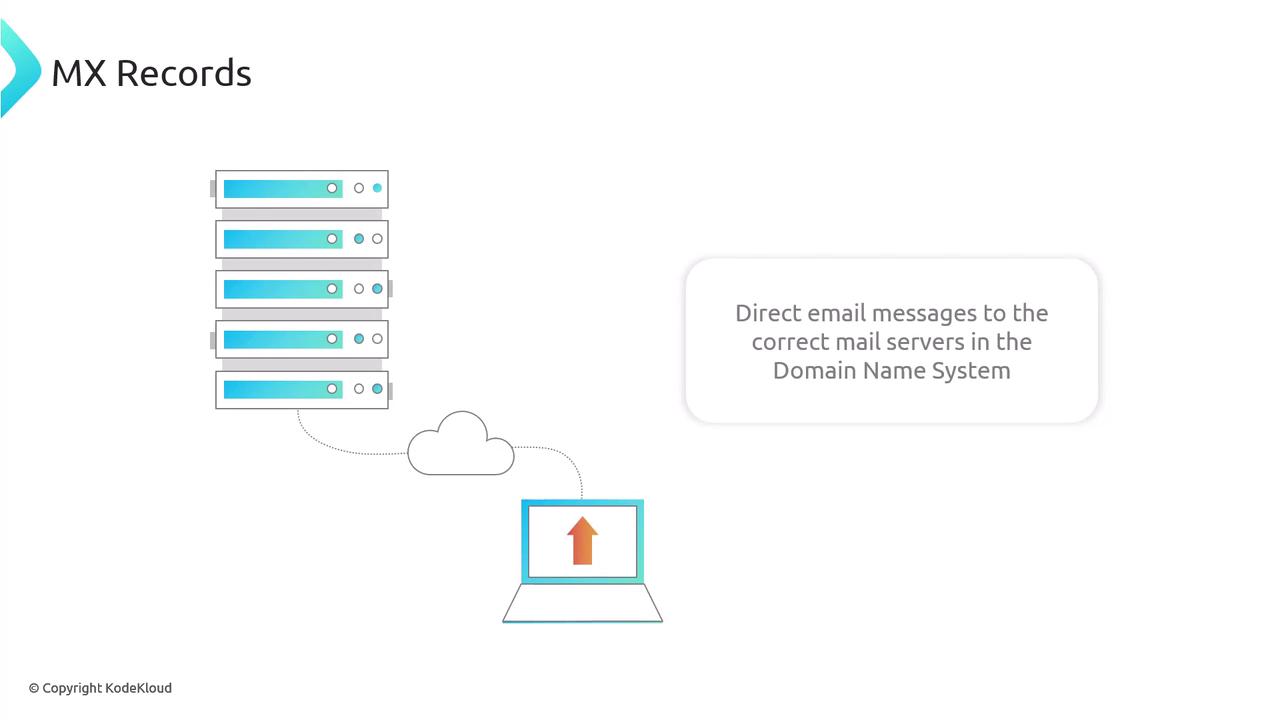
MX stands for Mail Exchange.
It answers:
“Where should emails for this domain be delivered?”
Example:
example.com → mail.google.com
Real-life example
Your domain = company name
MX record = post office address
Emails don’t go to your website server.
They go to your mail server — and MX records make sure of that.
Common confusion: NS vs MX
NS → who manages DNS
MX → who receives emails
Different jobs. Different records.
What is a TXT Record? (Extra information & verification)
TXT records store plain text information.
They are commonly used for:
Domain ownership verification
Email security (SPF, DKIM, DMARC)
Third-party service verification
Example:
"google-site-verification=abc123"
Real-life example
TXT records are like sticky notes on your domain:
“Yes, I own this.”
“Allow this service.”
How all DNS records work together for one website
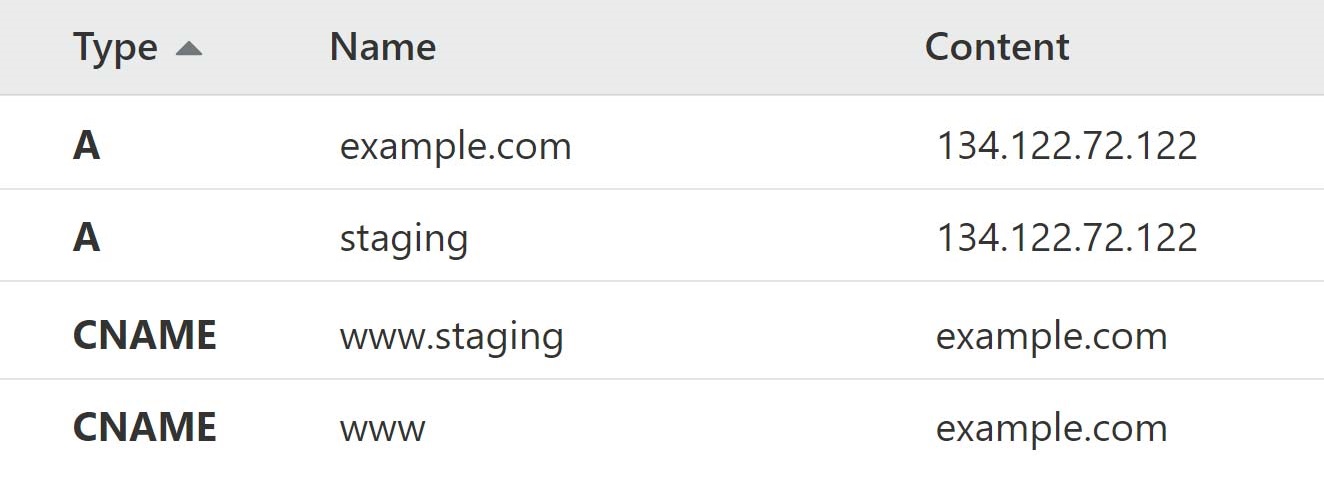
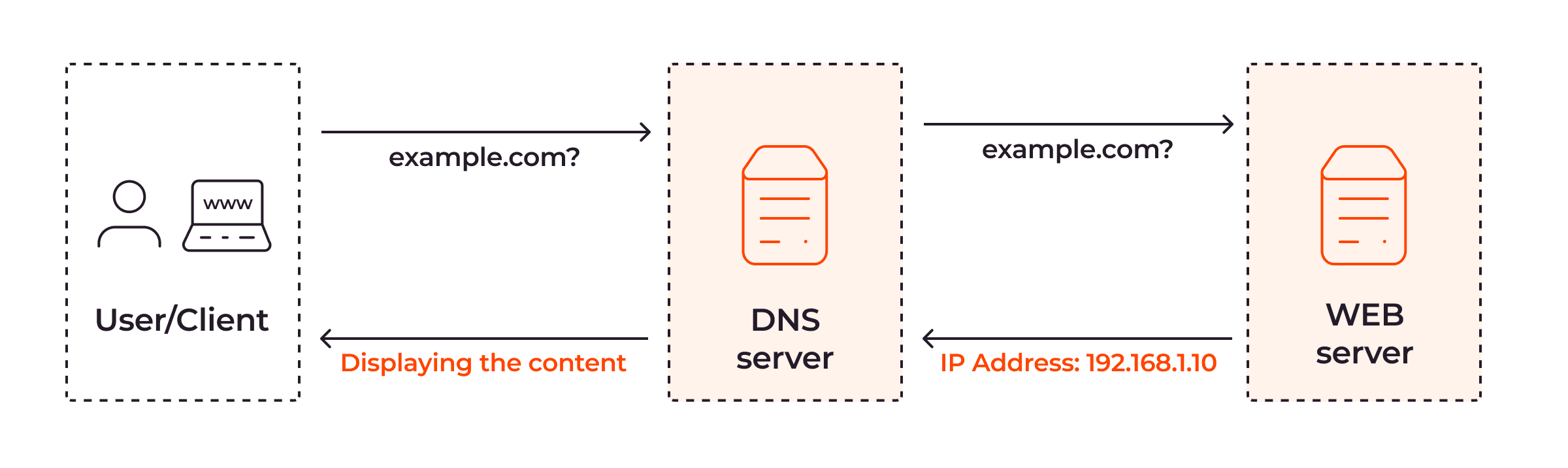
Let’s say you own myblog.com.
Here’s what happens behind the scenes:
NS record
→ Tells the internet where DNS info livesA / AAAA record
→ Tells browsers where your website server isCNAME record
→ Redirectswww.myblog.comtomyblog.comMX record
→ Sends emails to the correct mail serverTXT record
→ Verifies services and protects email
Each record solves one specific problem.
Together, they make your domain fully functional.
One simple way to remember DNS records
| Record | Purpose |
| NS | Who manages the domain |
| A | Website IPv4 address |
| AAAA | Website IPv6 address |
| CNAME | Alias to another name |
| MX | Email delivery |
| TXT | Verification & extra info |
Final takeaway
DNS is not scary.
It’s just a well-organized system of instructions.
If you remember one thing, remember this:
DNS is the phonebook.
DNS records are the entries.
Each record answers one clear question.
Once this clicks, DNS stops feeling magical — and starts feeling logical.


